Tag the knowledge
Personal knowledge, information and belief, or the other labels the form allows. A paragraph without a tag does not pass the check.
A password is required to join. Existing members can sign in with that password, or ask for a six-digit code emailed to them. The code works once and expires in fifteen minutes.
Existing members can still sign in. New accounts are not being accepted.
Sworn paragraphs, tagged
Affidavit Builder writes sworn paragraphs with a source-of-knowledge tag and the execution form you chose. It does not notarise, e-file, or invent facts.
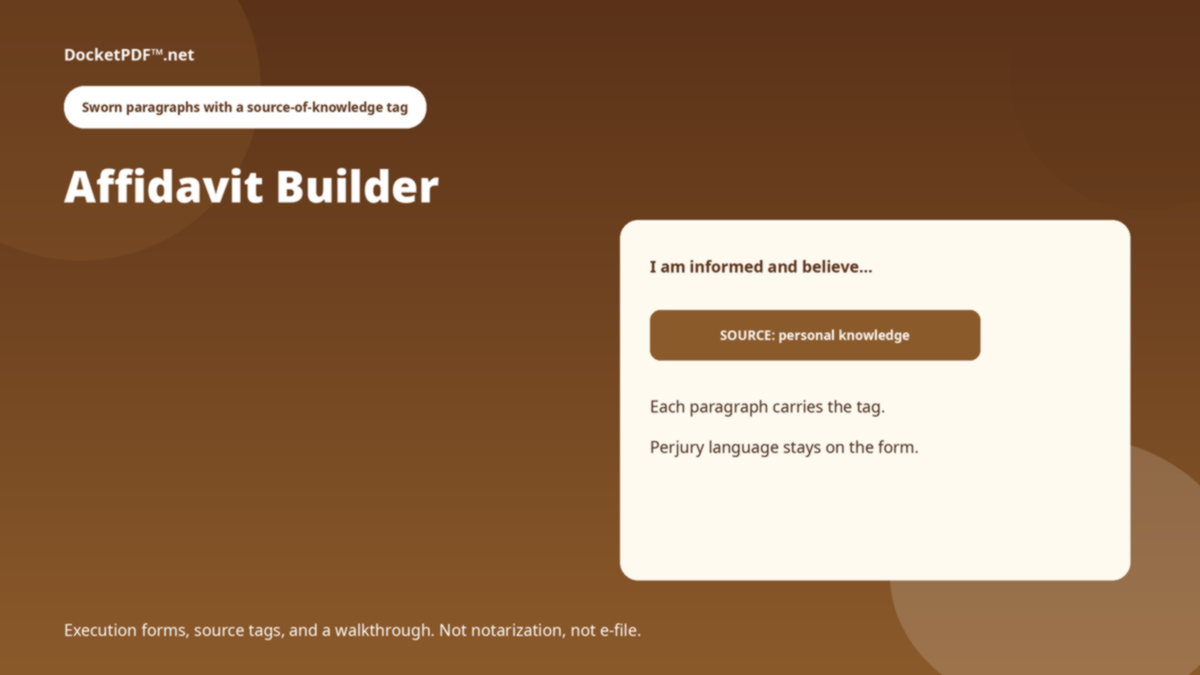
Personal knowledge, information and belief, or the other labels the form allows. A paragraph without a tag does not pass the check.
The execution block is part of the document. This program does not witness a signature or stamp a seal.
Executed HTML can land in My Docs beside the rest of the case.
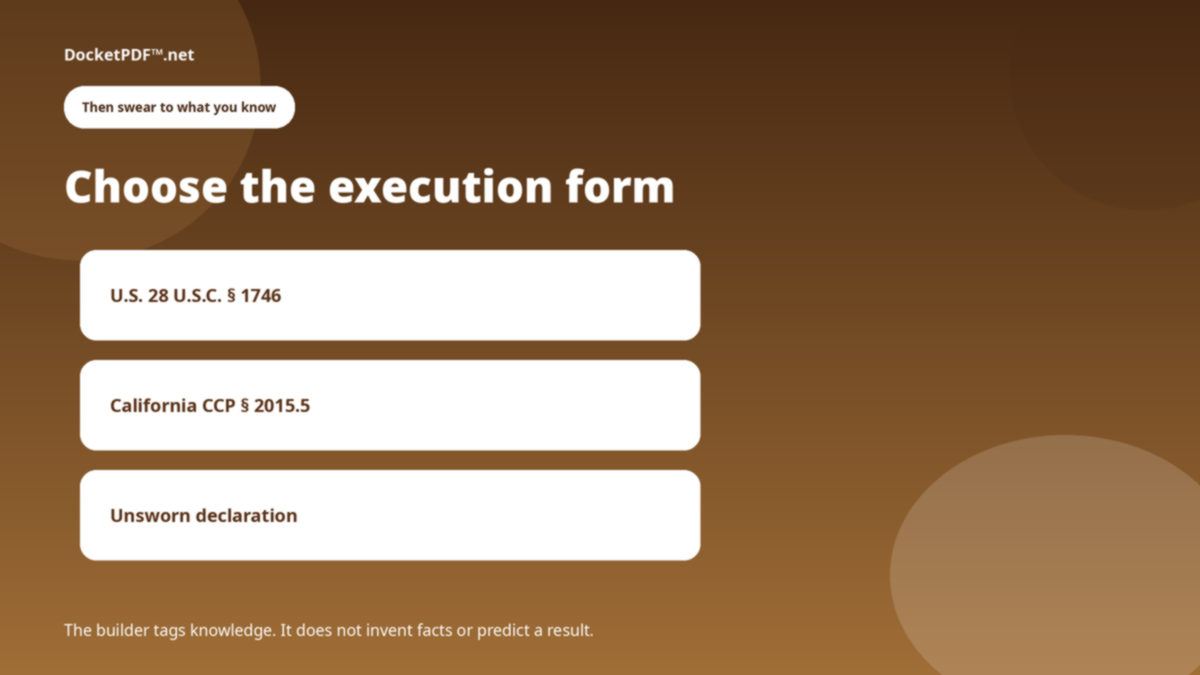
Federal unsworn declaration, California verification, or another execution the library carries.
Each paragraph states how you know. The walkthrough will not skip the tag.
Sign in, finish, file. Still not a filing with the court.
No. There is no notary, no remote ink, and no court e-file in this program.
No. The builder is a signed-in program. This page is the public briefing.
This is a public briefing for Affidavit Builder. The live program opens only after you are signed in. DocketPDF™ publishes software, not legal advice, and does not e-file or notarise.