One number, one fingerprint
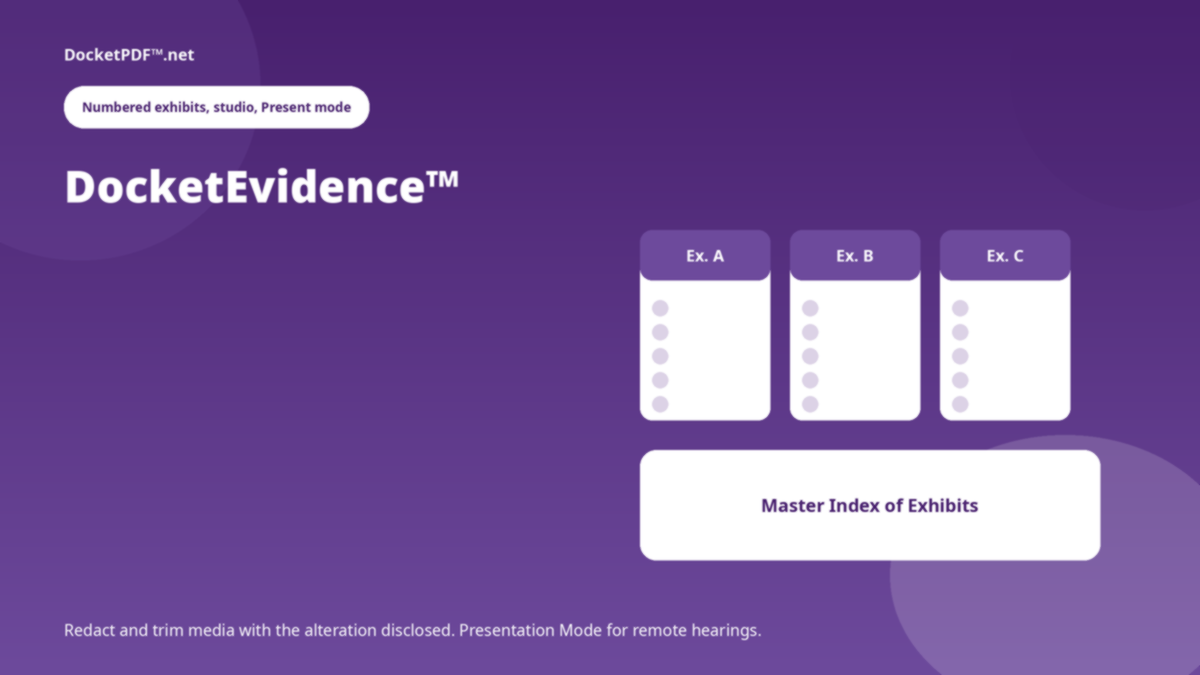
Exhibits keep their identity across clips and stills. The file stays in My Docs; Evidence points at it.
A password is required to join. Existing members can sign in with that password, or ask for a six-digit code emailed to them. The code works once and expires in fifteen minutes.
Existing members can still sign in. New accounts are not being accepted.
Exhibits, studio, Present mode
DocketEvidence™ organises evidence into numbered exhibits, redacts and trims media in the studio, presents with cue cards, and exports the Master Index. Guests see this briefing, not the studio.
Exhibits keep their identity across clips and stills. The file stays in My Docs; Evidence points at it.
Redaction and trims are recorded. The studio is a workshop, not a place to hide an edit.
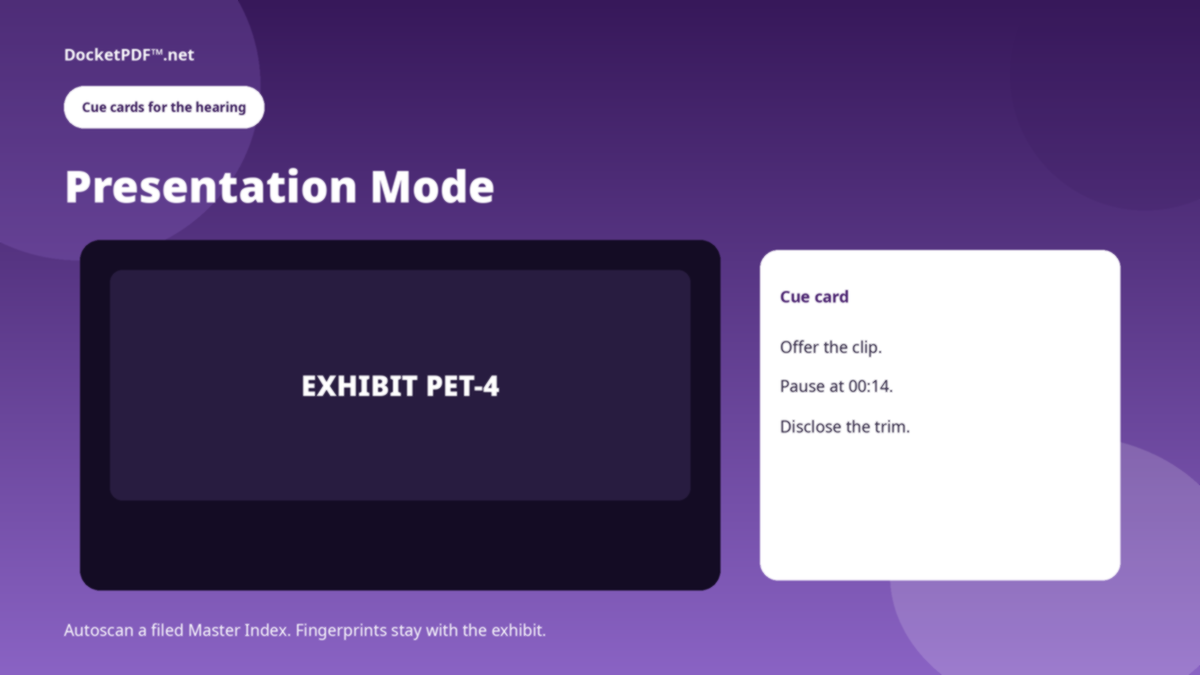
Cue cards for remote hearings. Export the Master Index of Exhibits the way the department asked.
Same Manage Case folder Word uses. Parties and the caption are already there.
Number it, tag it, clip it, redact it. Autoscan a filed Master Index if you have one.
Presentation Mode for the hearing. Master Index when the record needs a list.
No. It is a signed-in mode for the people in the hearing. This landing page is not that mode.
The bytes stay in My Docs. Evidence stores the exhibit record, not a second copy of the file.
This is a public briefing for DocketEvidence™. The live program opens only after you are signed in. DocketPDF™ publishes software, not legal advice, and does not e-file or notarise.