Paper that behaves
Line numbers sit on the sheet, not only next to typed lines. Vertical rules run to the foot. The caption follows the party graph in Manage Case.
A password is required to join. Existing members can sign in with that password, or ask for a six-digit code emailed to them. The code works once and expires in fifteen minutes.
Existing members can still sign in. New accounts are not being accepted.
Pleading-aware word processor
DocketWord™ is pleading paper in the browser: caption from the case folder, CRC 3.1113 tables, schema-mapped import, PDF outlines, and a handoff to DocketPDF™. The editor stays behind a signed-in session.
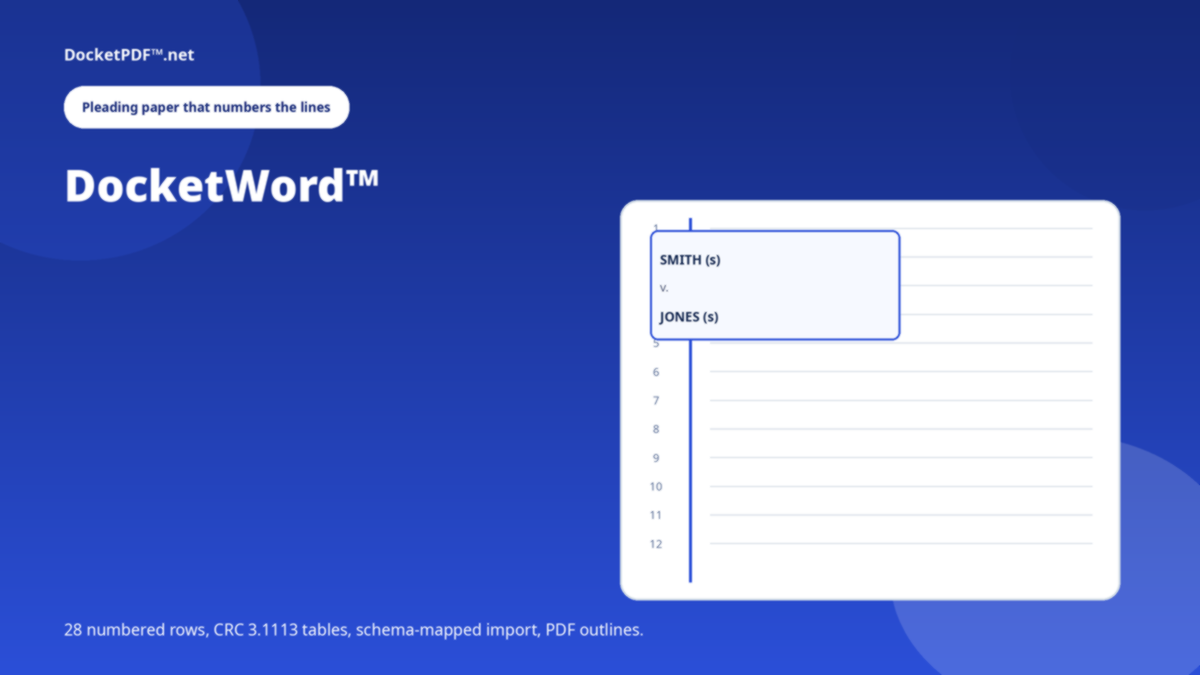
Line numbers sit on the sheet, not only next to typed lines. Vertical rules run to the foot. The caption follows the party graph in Manage Case.
Tables of authorities and TOC come from what you wrote. Citations are detected. Nothing here generates a brief or predicts a ruling.
Export searchable PDF, Word, HTML, or a native package into My Docs. Send a package to DocketPDF™ when the binder is the next job.

Every pleading belongs to a case. Manage Case holds the parties, the number and the proceeding.
Headings, block quotes, footnotes, notice of motion, verification. Autosave as you go.
PDF with outlines, DOCX, or a package DocketPDF™ can Bates and index.
That was a fault: the shell painted before a member existed. Signed-out visits now land here. There is no preview of the workspace.
No. It writes pleading paper and exports files. Filing is still your court's portal.
No. There is no model in the request path. You write; it formats, numbers, and checks the paper.
This is a public briefing for DocketWord™. The live program opens only after you are signed in. DocketPDF™ publishes software, not legal advice, and does not e-file or notarise.