Walk the caption
Case folder first, then the relief, then the paper. Same parties Word already knows.
A password is required to join. Existing members can sign in with that password, or ask for a six-digit code emailed to them. The code works once and expires in fifteen minutes.
Existing members can still sign in. New accounts are not being accepted.
Notice of motion on the paper
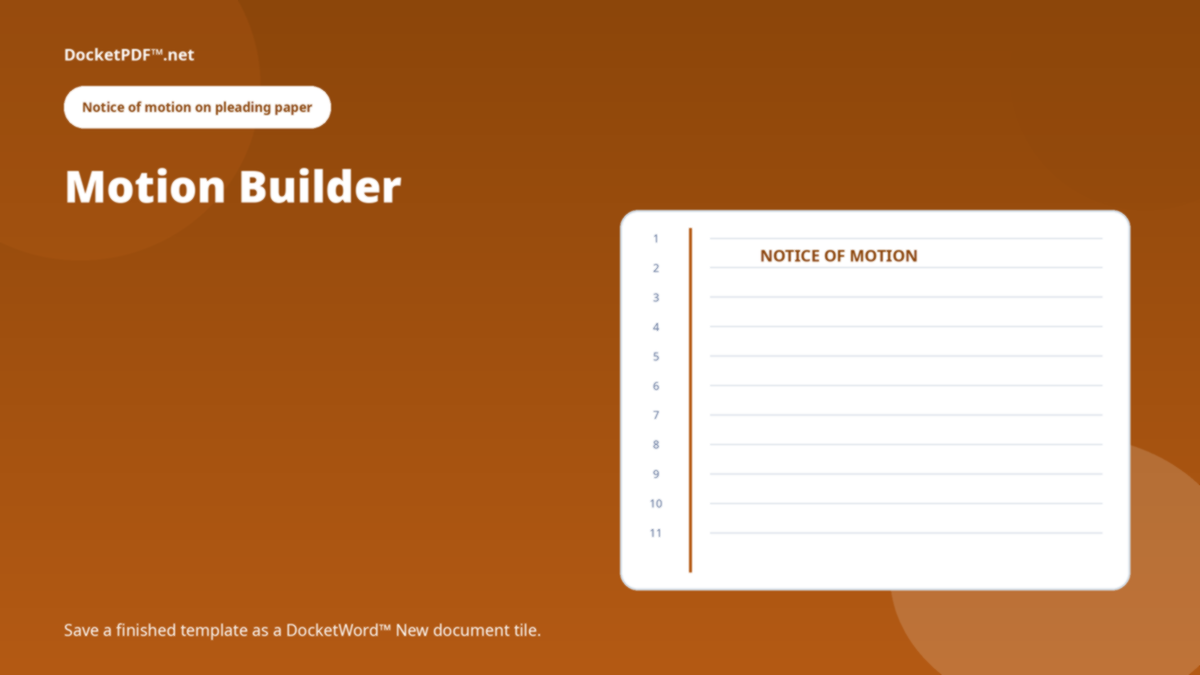
Motion Builder is a pleading-paper wizard. Finish a template, save it as a DocketWord™ New document tile, and keep writing on the numbered sheet.
Case folder first, then the relief, then the paper. Same parties Word already knows.
The builder looks for missing pieces. It does not argue the motion for you.
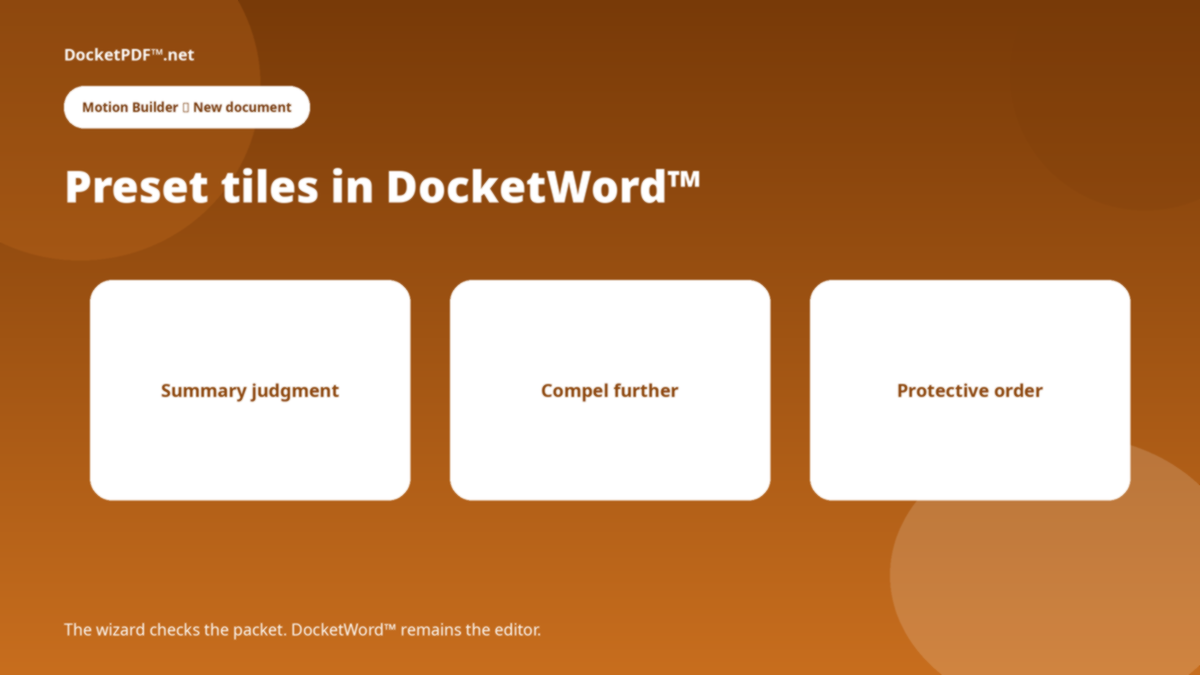
A saved template becomes a tile in DocketWord™'s New document popup.
There is no unsigned demo of the motion.
Hearing, relief, grounds — the fields the packet actually carries.
Next time, New document already knows that shape.
No. It prepares paper. E-file stays with the court.
No. You write. The wizard structures the notice and the packet check.
This is a public briefing for Motion Builder. The live program opens only after you are signed in. DocketPDF™ publishes software, not legal advice, and does not e-file or notarise.